On-Page SEO: What Google Says About Each Element and How to Check Yours
 Kendall Chris
/
Updated

What Is On-Page SEO and Why Does It Matter?
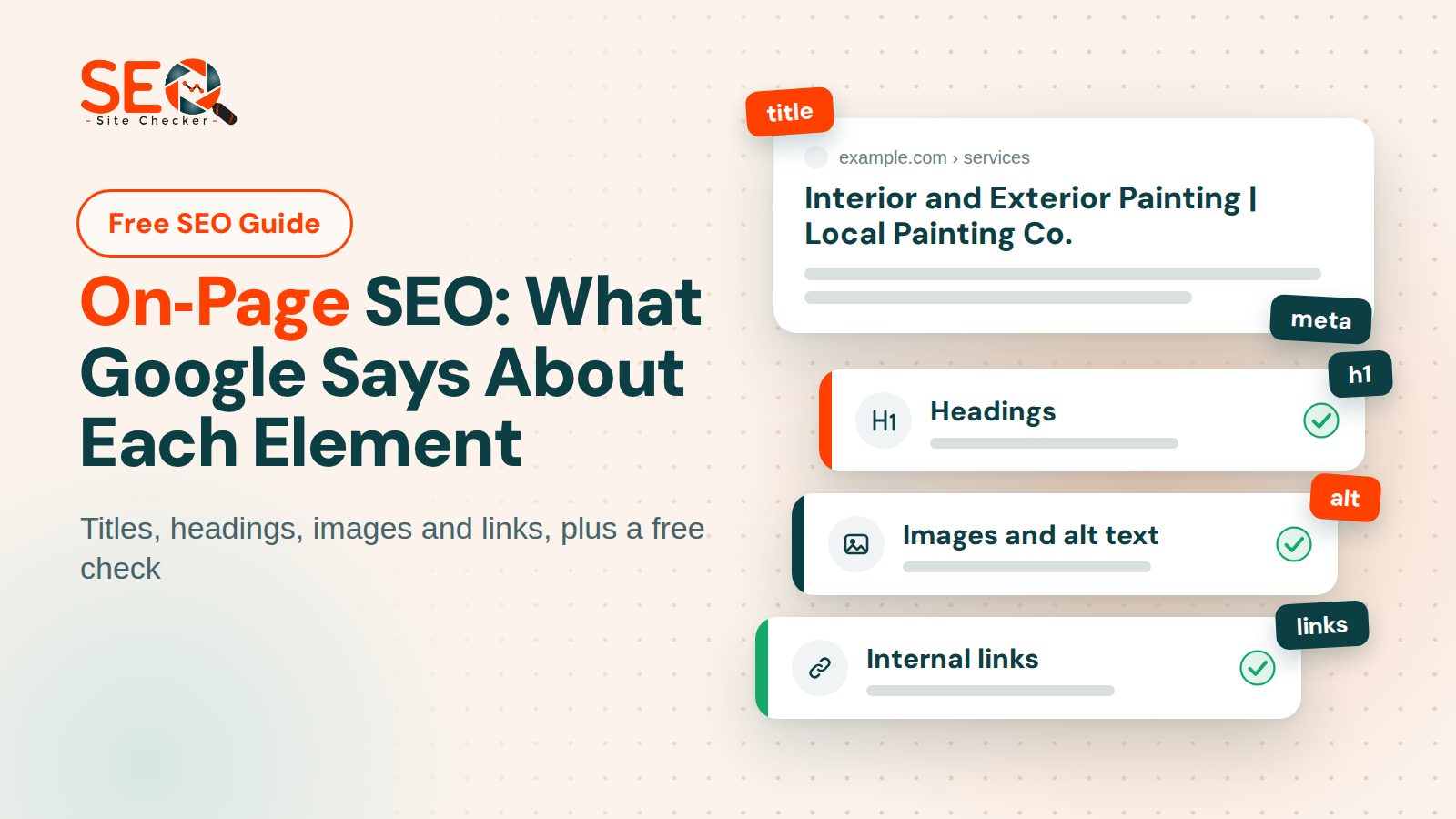
Quick answer: What is on-page SEO? It is the work you do on a single page, meaning its content, HTML tags, images and links, so that search engines and people can understand and use it. You control all of it, and it sits beside off-page work (other sites) and technical work (crawling and servers).
"On-page SEO" is an industry label. The Google pages quoted in this guide never use the phrase; they talk about title links, snippets, headings, links, images and helpful content. We use it as shorthand for what you can change on the page, and this guide follows Google's documentation instead of listing on-page ranking factors.
It is the part of search optimization, often called on-page optimization, that you fully control and can change today. It decides what Google can read about a page and what a searcher sees in the result, because the title link and the snippet are built from the page. It cannot promise a position, and nobody outside Google can.
Google's SEO Starter Guide says that creating content people find compelling and useful "will likely influence your website's presence in search results more than any of the other suggestions in this guide".
| Part of the page | What you control | Covered in |
|---|---|---|
| Content | Words, structure and how well the page answers the search | Content and search intent |
| Title and description | The text searchers see in results | Title tags and meta descriptions |
| Headings, URLs, keywords | How the page is organized and named | Headings, URLs and keywords |
| Images and links | Alt text, file names, anchor text, internal links | Image alt text and links |
| Markup and canonical | Structured data and the canonical tag | Structured data and canonical tags |
| Page experience | Speed, mobile display, secure connection | Page experience |
Our free on-page SEO analyzer lists most of these elements for any URL, and a later section says exactly what it does and does not test.
On-Page SEO vs Off-Page SEO vs Technical SEO
On-page SEO. This is what sits on the page itself and what you can edit today: the content, the title and description, the headings, the images and the internal links. Most guides frame the split as on-page vs off-page SEO; this one covers the on-page side element by element.
Off-page SEO. This is what happens on other websites, such as links to your pages, mentions and reviews. Our post on off-page SEO covers that side, so we leave link building out here.
Technical SEO. This is whether Google can reach, render and index your site, plus speed, HTTPS and server setup. Our technical SEO checklist covers those items.
Guides draw the line differently, and some file page-level tags such as the canonical link and structured data under technical SEO. This guide counts them as on-page because you set them in the page itself, and leaves robots.txt, sitemaps and server settings to the technical checklist.
Content and Search Intent: Where On-Page SEO Starts
Google's SEO Starter Guide says compelling, useful content generally shares some attributes, and four of them make a fair checklist for any on-page SEO techniques you try:
- Easy to read and well organized. Give the content structure, with paragraphs, sections and headings that help people move through the page.
- Unique. Do not rehash what others have already published.
- Up to date. Check older pages, then update them or even delete them when they are no longer relevant.
- Helpful, reliable and people-first. Write for the reader first and the search engine second.
Search intent is the reason behind a query. The Starter Guide notes that some people search "charcuterie" while others search "cheese board", and that Google's language matching systems can understand how a page relates to many queries even without the exact terms. So write for the question, then check what the top results for it contain and in what format; that step is our advice, not Google's. Our post on keyword strategy shows how to choose the main phrase for a page.
Two common claims need correcting, and Google's own pages do it. On length, Google's guidance on helpful, people-first content lists writing to a particular word count as a warning sign and answers "No, we don't" to the idea that Google has a preferred one. On E-E-A-T, the same page says that E-E-A-T "itself isn't a specific ranking factor" and that trust is the most important of its aspects. So show who wrote the page, cite sources, add first-hand experience where you have it, and never talk about an E-E-A-T score.
On content freshness, Google lists "changing the date of pages to make them seem fresh when the content has not substantially changed" as a warning sign too. Update a page when its facts change, and say what changed.
Our report's content length check passes when the page's HTML is 800 characters or more, so it can flag a nearly empty page, the extreme case of thin content, but it cannot judge content quality. The content length guide explains the check.
Title Tags and Meta Descriptions
Title tag
Google says the title link is "often the primary piece of information people use to decide which result to click". Its advice is to give every page a descriptive, concise title element rather than a vague one such as "Home", to avoid keyword stuffing and repeated boilerplate titles, and, if you add your site name, to put it briefly at the start or end behind a delimiter such as a hyphen, colon or pipe.
Google sets no limit on title length and truncates the title link as needed, typically to fit the device width. It also builds the link from several sources, including headings and other large, prominent text, so a result can differ from what you wrote. Read Google's guidance on title links before you judge a title by what Google displays.
Our numbers are tool rules, not Google's. The SEO report passes one title element of 10 to 70 characters, warns outside that range or when a page has several, and fails a page with none. A second tool of ours, covered next, flags titles over 60. The meta title guide walks through writing one.
Meta description
Google says snippets are "primarily created from the page content itself" and that it "sometimes uses the meta description HTML element if it might give users a more accurate description of the page than content taken directly from the page". So a description is a proposal, not an instruction. Write a unique one for each page, and skip keyword lists: descriptions made of "long strings of keywords" are less likely to be displayed as a snippet.
Google's pages on title links and on snippets both describe how a result looks. Neither article uses the word rank, so we call neither element a ranking factor, and we do not say it is not one either.
Our report passes one meta description tag of 50 to 160 characters and fails a page with none, an empty one, or two tags. The Meta Tag Analyzer grades 80 to 160 instead: paste a URL and it shows both meta tags and their length, but tags added later by JavaScript are missing. The meta description guide covers writing one.
Headings, URLs and Keywords
Headings
Headings help people move through a long page. On heading hierarchy, Google's Starter Guide says semantic order is "fantastic for screen readers" but that from a Google Search perspective "it doesn't matter if you're using them out of order", and it sets no ideal number of headings: "if you think it's too much, then it probably is".
Our report is stricter than Google here. It passes a page with exactly one H1 tag, fails a page with none or with two or more, and ignores H2 to H6; treat that as our house rule for a clear main title. The heading tags guide covers the fix.
URLs
The Starter Guide asks for useful words in the URL, because a URL made only of random identifiers is less helpful, and Google's URL structure page favors descriptive URLs: readable words rather than long ID numbers, with hyphens in URLs rather than underscores. The Starter Guide also lists keywords in the domain name or URL path among the things not to focus on, with "hardly any effect beyond appearing in breadcrumbs".
Our SEO friendly URLs check reads the internal links found on the page, not the page's own address. It flags an underscore, a capital letter, three or more digits in a row or more than 80 characters in a path, so a year such as 2026 in a path gets flagged. The SEO friendly URLs guide explains the rule.
Keywords
Use the words your reader would use, with one primary keyword per page and a few secondary keywords or related terms (our advice, not Google's). Keyword stuffing, which Google's spam policies define as filling a page with keywords or numbers to manipulate rankings, includes "repeating the same words or phrases so often that it sounds unnatural". The meta keywords tag is "not used by Google Search" and "has no effect on indexing and ranking at all". We found no Google page that sets a keyword density number or a keyword placement rule.
Our report's keyword section lists the 50 most frequent words on the page (leaving out words under three letters and stop words) and the 50 most frequent phrases of two to five words in its Long Tail Keywords Usage card, each with a tick or a cross for the title, description and H1 to H3 headings. It never fails a page for keyword use. The keyword usage guide explains the tables.
Image Alt Text and Links
Images and alt text
Google's Starter Guide asks for high-quality images near relevant text and for descriptive alt text. Its image page calls alt text "the most important attribute when it comes to providing more metadata for an image", says image file names give only "very light clues" (my-new-black-kitten.jpg beats IMG00023.JPG), and says to use HTML img elements because "Google doesn't index CSS images". It also warns that stuffing keywords into alt text may cause a site to be seen as spam.
Our report gives a warning when any img element has a missing or empty alt attribute. It counts an empty alt as missing, so a purely decorative image is flagged too; that is how the check behaves, not a rule from a standard. The image alt text guide has wording examples.
Links
Google's link page is about crawlable links: it says Google can generally crawl a link only if it is an a element with an href attribute, so links built from script events may not be found by Googlebot. Anchor text should be descriptive, reasonably concise and relevant, and Google's examples of weak anchors are "Click here" and "Read more". Every page you care about should be linked from at least one other page on your site.
External links are fine too: Google says that linking to other sites isn't something to be scared of. The Starter Guide does ask for nofollow or a similar annotation on untrusted and user-generated links.
Our report tests the first 30 links on the page with a short request and lists those that do not return a working page. Its Nofollow Attribute row is informational and never turns red, because Google does not ask for nofollow on ordinary external links; it counts the ones that carry nofollow, sponsored or ugc. A separate row looks only at external links that open in a new tab and fails any that carry neither noopener nor noreferrer. The internal links guide covers broken links.
Structured Data, Canonical Tags and Page Experience
Structured data
Structured data gives Google explicit clues about what a page means and can make it eligible for rich results. Google recommends JSON-LD, though it says all three formats are equally fine "as long as the markup is valid". Our report passes a page that has structured data in which every JSON-LD block is valid JSON, and it does not check whether the properties fit the schema.org type. The Schema Markup Validator does that for common types, and the structured data guide covers the report check.
Canonical tags
Duplicate content is not a violation of Google's spam policies, but search engines choose one canonical URL for each piece of content, so tell Google which you prefer. Its canonical page ranks the signals: redirects and rel=canonical are strong, sitemap inclusion is weak, and none is required. Our report passes a page with exactly one canonical link, warns on several and fails on none. The canonical tag guide shows the markup.
Page experience and AI search
Google says its core ranking systems look to reward content with a good page experience, and that owners should not focus on only one or two aspects. Its self-check questions cover Core Web Vitals, a secure connection, mobile display, excessive ads, intrusive interstitials and a clear main content. Our report covers this only in part: its speed rows are lab measurements from a headless browser, not field data, so a good reading does not mean your page passes Core Web Vitals.
On AI features, Google says SEO best practices remain relevant, with no additional requirements and no special optimizations needed for AI Overviews or AI Mode. Our post on how to show up in AI search has the details.
On-Page SEO Checklist: What to Do, in Order
- Decide the one question this page answers, and write it down before you open the editor.
- Check what the top results for that question contain, and in which format.
- Write original content, keep it current, and show who wrote it and where the facts come from.
- Give the page one distinct, descriptive title element that fits its content.
- Write a meta description for this page, or accept that Google writes its own snippet.
- Use one H1 for the main title and logical H2 headings for the sections.
- Choose a short URL slug of readable words separated by hyphens.
- Use the words readers use, and cut any repetition that sounds unnatural.
- Describe every meaningful image in alt text, and name the file plainly.
- Link to related pages with descriptive anchor text, and fix broken links.
- Add valid structured data if the page type has a Google feature, plus one canonical link.
- Run the report, fix what it flags, wait a few weeks, then check Search Console.
Skip these: the meta keywords tag, a word count target, keywords in the URL for ranking, reordering headings only to please Google, and changing dates without changing the content. Google's pages quoted above back each one.
For the wider 30-step list, read our SEO checklist for beginners, and for the order of work across a whole site, follow the seven-step optimization plan.
How to Check Your On-Page SEO With a Free Report
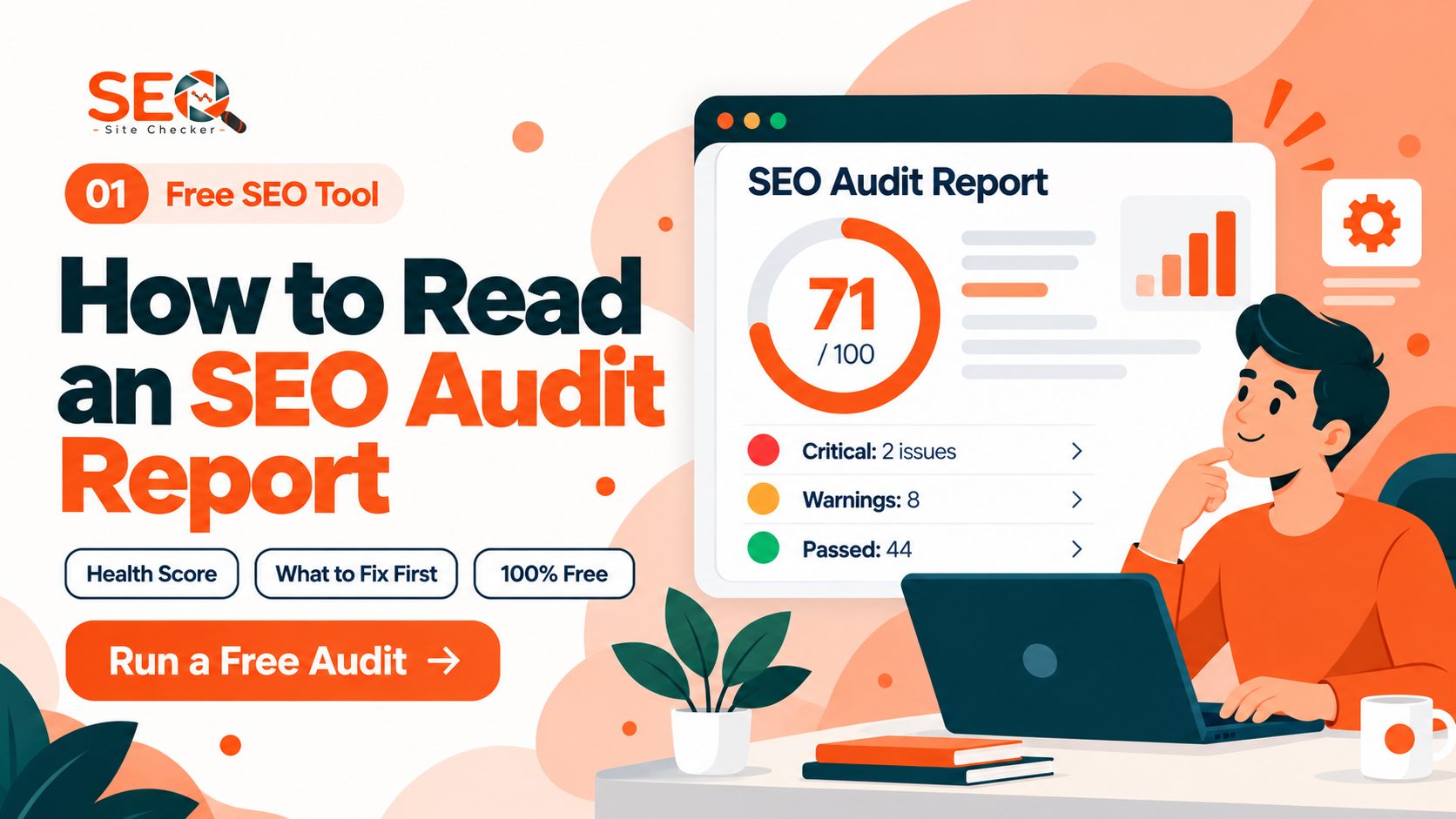
Our report runs on any public URL and covers page-level items within its 60+ checks, which also include speed, security and server items from technical SEO. A row that fails or warns has a How to Fix button with short steps and a link to the full guide, and a noindex in a robots meta tag or in the X-Robots-Tag header fails its check. The post on how to use an SEO checker walks through an example. If you want to compare other ways to run that check, see our guide to the best on-page SEO checker options.
| Element | The report passes it when | It cannot tell you |
|---|---|---|
| Title | One title element, 10 to 70 characters | Whether it is accurate or worth clicking |
| Meta description | One tag, 50 to 160 characters | Whether it fits the search |
| Headings | Exactly one H1 | Whether headings help readers |
| Image alt text | Every img has a non-empty alt | Whether the text is accurate |
| Links | The first 30 links return a working page | Anchor text quality |
| Keywords | Never fails; lists the 50 most frequent words and phrases | The right words or density |
| Content length | The page's HTML is 800 characters or more | Quality, or how much a reader gets |
| Structured data | Some structured data, and every JSON-LD block is valid JSON | Whether properties fit the type |
The content length card prints the words a visitor can read (older saved reports show HTML characters), but the pass or warning follows the size of the HTML, so a page with heavy markup and few words can pass.
Measured on October 30, 2026: We ran the report on the previous version of this article. It passed 54 of 69 scored checks (78 percent), with its title, description, heading, alt text, canonical and structured data checks all green, although that version repeated claims Google's documentation does not make. A pass means an element exists in a valid shape, not that what it says is true.
To judge a change, use the Performance report in Google Search Console, which shows clicks, impressions, click-through rate and average position. The Starter Guide says some changes take effect within hours, others in several months, so wait a few weeks before you assess. Treat the report as a to-do list for your next on-page SEO audit, not a verdict.
Frequently Asked Questions
Frequently Asked Questions (FAQs) is a list of common questions and answers provided to quickly address common concerns or inquiries.
What are the most important on-page SEO elements?
Google publishes no ranked list of on-page elements. Its Starter Guide says compelling, useful content will likely influence your presence in search results more than any other suggestion. The rest is a clear title, headings that help readers navigate, descriptive links and alt text, and structured data where the page type supports it. Our checklist puts the steps in order.
What is the difference between on-page, off-page and technical SEO?
On-page SEO is what you edit on the page: content, tags, images and internal links. Off-page SEO happens on other sites, such as links to you, mentions and reviews. Technical SEO covers whether Google can crawl, render and index the site, plus speed and HTTPS. Guides file canonical tags and structured data differently; this one treats them as on-page.
Do meta descriptions affect search rankings?
Google says it sometimes uses the meta description for the snippet but builds snippets mostly from the page content. Its snippet documentation describes how a result looks and does not mention rankings. A clear, unique description can still help a searcher decide to click, so write one per page for the reader, without stuffing.
How many times should I use my keyword on a page?
Google gives no number, so write naturally with the words a reader would use. Its spam policies call repeating words or phrases so often that it sounds unnatural keyword stuffing. Our report lists the top words on a page but never fails a page for repeating one, so it cannot say whether your wording is right.
How long should a page be for on-page SEO?
Long enough to answer the question completely, and no longer. Google says it has no preferred word count, and its Starter Guide says the length of the content alone does not matter for ranking purposes. Our content length check only tests that the page's HTML is 800 characters or more, so it flags nearly empty pages and nothing else.
How often should I update my on-page SEO, and how long until changes show?
Review a page when its facts, products or search results change, and update or delete content that is out of date. Google says some changes take effect in a few hours and others take several months, so wait a few weeks to assess the work. Changing a date without changing the content is a warning sign for Google.
Does on-page SEO still matter with AI Overviews and AI Mode?
Yes. Google says SEO best practices remain relevant for its AI features in Search, with no additional requirements and no special optimizations needed to appear in AI Overviews or AI Mode. Clear, helpful, crawlable pages are still the work, and our post on how to show up in AI search covers the details.
What free tools can I use to check on-page SEO?
Our free SEO report tests page-level items, the Meta Tag Analyzer shows your title and description with their lengths, the Schema Markup Validator checks structured data, and Google Search Console shows clicks, impressions and average position. These on-page SEO tools check that elements exist in a valid form, not that the content is good.