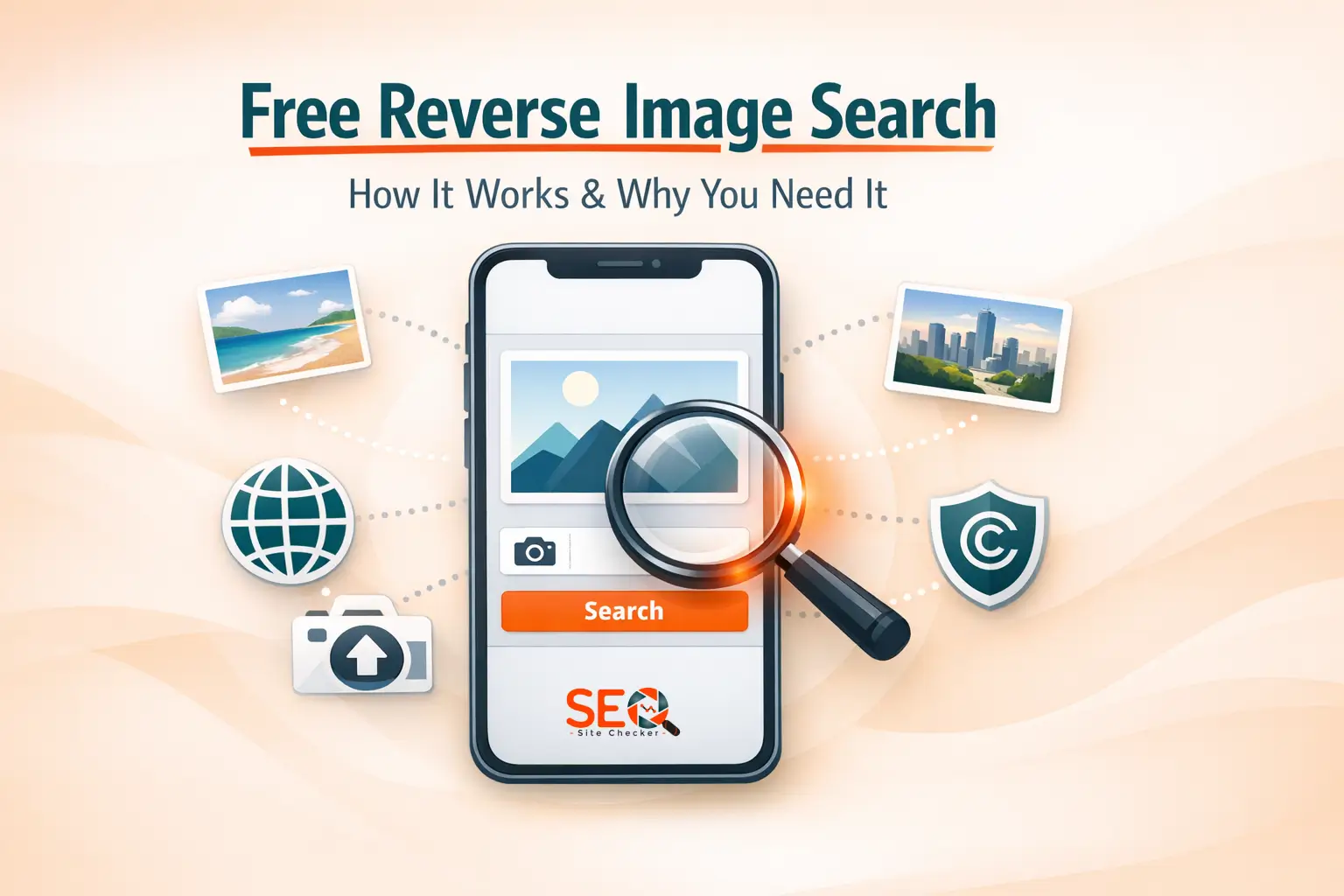
Free Reverse Image Search: How It Works & Why You Need It
 James Okafor
Feb 25 /
7 months ago
James Okafor
Feb 25 /
7 months ago

Images travel fast on the internet.
A single photo can be copied, reposted, edited, and reused across hundreds of websites within hours. That's where free reverse image search becomes incredibly powerful.
Instead of typing words into Google, you upload an image (or paste its URL), and the tool finds visually similar matches across search engines.
Whether you're trying to:
- Find the original source of an image
- Detect stolen content
- Verify a social media profile
- Track brand image usage
- Identify fake listings
Reverse image search makes it possible, instantly.
If you want to try it while reading this guide, you can use our free reverse image search tool
Now let's understand how it actually works.
How Reverse Image Search Works
Reverse image search uses advanced image recognition and AI-based visual matching systems.
Unlike text search (which relies on keywords), reverse image search analyzes:
- Image structure
- Shapes
- Patterns
- Colors
- Objects
- Facial features (in some engines)
Search engines like:
- Google Images
- Bing Images
- Yandex Images
scan massive image databases to find visually similar results.
The Process Simplified
- You upload an image or enter a URL.
- The system extracts visual fingerprints.
- It compares the fingerprint against indexed images.
- It returns visually similar matches.
Some engines also use:
- Metadata analysis
- EXIF data
- Context from surrounding text
This is why different engines may produce slightly different results, which is exactly why using multiple engines increases accuracy.
How to Use Free Reverse Image Search (Step-by-Step Guide)
Using reverse image search is extremely simple.
Here's how it works with our tool:
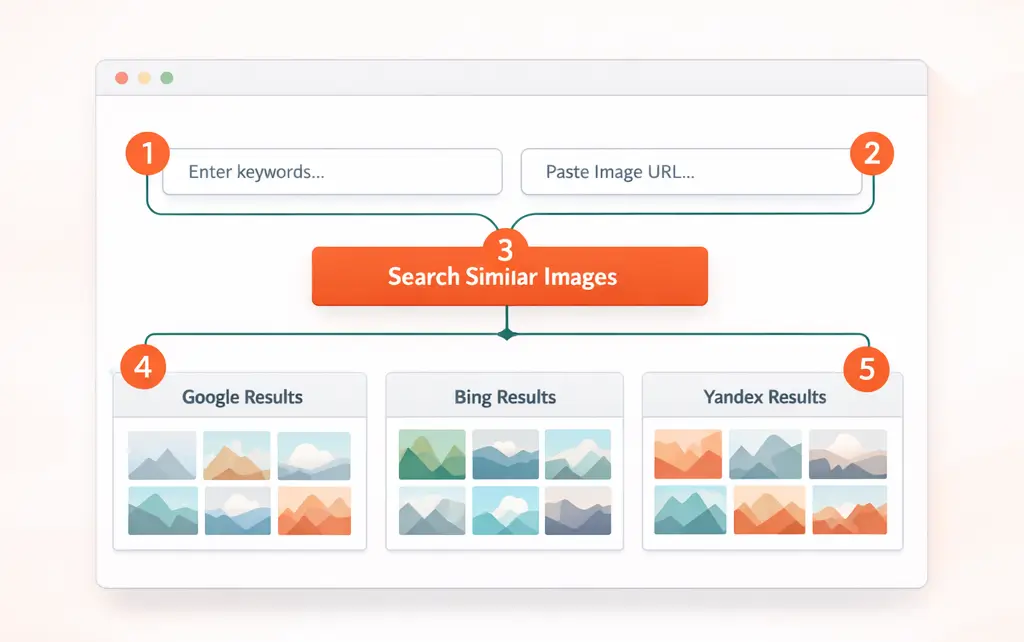
Step 1: Search by Keyword (Optional)
If you don't have a specific image, you can:
- Enter a keyword in the Search by Keyword field
- Click Search Similar Images
This allows you to discover related visuals based on search intent.
Step 2: Search by URL
If you already have an image link:
- Paste the image URL into the Search by URL field
- Click the search button
This method is perfect for:
- Checking competitor product images
- Tracking image duplication
- Verifying online listings
Step 3: Click “Search Similar Images”
Once you click the button, the tool processes your request.
Within seconds, you'll see results organized clearly.
Step 4: View Results in 3 Separate Boxes
Your results will appear in three sections:
1️⃣ Similar Images According to Google
Google has the largest index of web images.
2️⃣ Similar Images According to Bing
Bing often clusters visually similar patterns effectively.
3️⃣ Similar Images According to Yandex
Yandex is known for strong object and facial recognition capabilities.
Each engine may return slightly different variations, giving you broader coverage.
Step 5: Click “Show Matches”
Under each results box, you'll see a button labeled Show Matches.
When clicked:
- Results open in a new tab
- You can explore full search results
- You can verify context and sources
This makes research easier without losing your main search screen.
Why Use a Free Reverse Image Search Tool?
Reverse image search isn't just for curiosity. It has real practical applications.
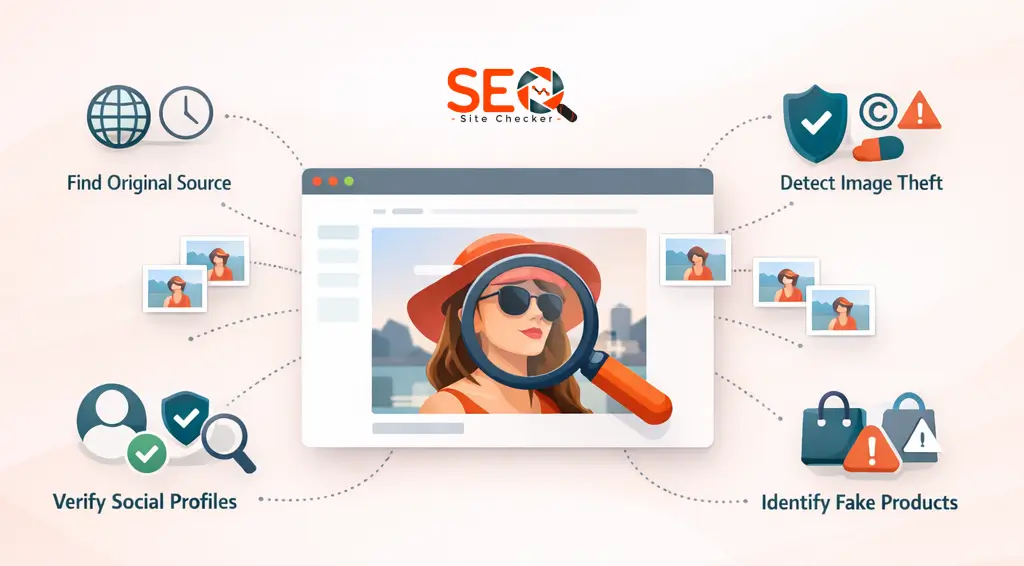
✔ Find the Original Source of an Image
Ever seen an image but don't know where it came from?
Reverse search helps you trace:
- Original publisher
- First indexed version
- Creator credit
This is essential for journalists and researchers.
✔ Detect Image Theft
If you create:
- Photography
- Graphics
- Infographics
- Product images
You can track unauthorized usage online.
This helps protect intellectual property.
✔ Verify Social Media Profiles
Fake profiles often use stolen photos.
Upload the profile image and see if it appears elsewhere online.
This is useful for:
- Dating platforms
- Business partnerships
- Influencer verification
✔ Identify Fake Products or Listings
Ecommerce sellers sometimes reuse images from other sites.
Reverse search helps you:
- Confirm authenticity
- Check duplication
- Spot scams
✔ Monitor Brand Mentions
Brands can use reverse image search to find:
- Logo misuse
- Product reposts
- Uncredited marketing material
If you're managing online presence, combine this with structured website analysis tools for better visibility control.
Reverse Image Search vs Text Search
Text search works when you know the right keywords.
Reverse image search works when:
- You don't know the context
- You only have the visual
- The image contains no clear descriptive text
In many cases, combining both methods gives the best results.
Free Reverse Image Search for Businesses & Marketers
Reverse image search is a powerful business intelligence tool.
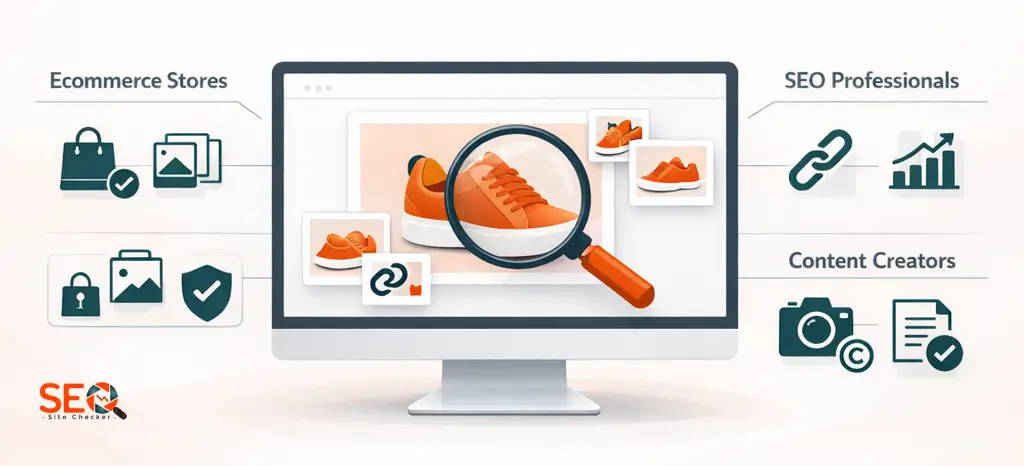
For Ecommerce Stores
You can:
- Detect competitors copying product images
- Identify unauthorized resellers
- Monitor marketplace duplication
This protects your brand identity.
For SEO Professionals
Images can generate backlinks.
If someone uses your image:
- They may credit you
- You can request attribution
- You can earn backlinks
Using a free reverse image search tool helps discover those opportunities quickly.
For Content Creators
Bloggers, designers, and photographers can:
- Monitor copyright violations
- Find reposted content
- Enforce licensing rights
It becomes part of digital asset management.
Google vs Bing vs Yandex: What's the Difference?
Each search engine has strengths.
Google Image Search
- Largest image index
- Strong AI recognition
- Wide global coverage
You can review more about how Google handles image search in
Google reverse image search documentation.
Bing Image Search
- Strong visual clustering
- Good contextual matching
See:
Bing visual search guide.
Yandex Image Search
- Advanced facial recognition
- Strong object pattern matching
More information available at:
Yandex reverse image search explanation.
Because each engine uses slightly different algorithms, viewing results from all three gives broader and more accurate coverage.
That's why our free reverse image search tool, organizes results separately by Google, Bing, and Yandex.
Is Free Reverse Image Search Safe?
Generally, yes, when used properly.
Keep in mind:
- Public search engines index publicly available images
- Avoid uploading private or confidential files
- Ensure the website uses HTTPS
- Check privacy policies
Reverse image search tools typically do not permanently store your images.
Limitations of Reverse Image Search
No tool is perfect.
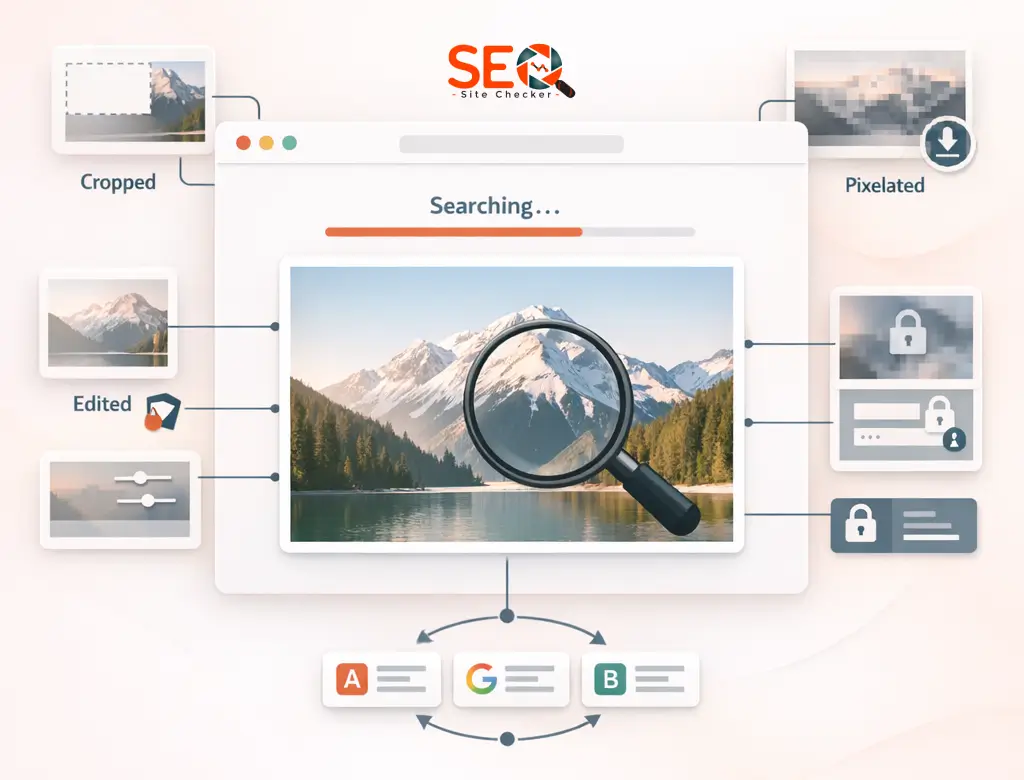
Here are some limitations:
Cropped Images
Heavy cropping can reduce match accuracy.
Edited Images
Filters and modifications may alter detection.
Private Content
Images behind login walls won't be indexed.
Resolution Issues
Low-quality images may produce weaker results.
That's why checking across multiple engines improves reliability.
Final Thoughts
Images are powerful but they're also easy to copy.
A free reverse image search tool helps you:
- Track ownership
- Detect misuse
- Verify authenticity
- Protect your brand
- Discover backlinks
- Identify scams
Instead of guessing where an image came from, you can:
- Enter keyword or paste URL
- Click Search Similar Images
- View results from Google, Bing, and Yandex
- Click Show Matches
- Analyze sources instantly
If you want fast, organized, and multi-engine results, try:
It's simple, free and effective.
Frequently Asked Questions
Frequently Asked Questions (FAQs) is a list of common questions and answers provided to quickly address common concerns or inquiries.
How can I do a reverse image search for free?
You can use a free reverse image search tool online by uploading an image or pasting its URL. The system scans search engine databases and returns similar results instantly.
What is the best free reverse image search tool?
The best tool should: Be free, Use multiple search engines, Offer fast results and Provide clear result sections.
You can try our free reverse image search tool for results from Google, Bing, and Yandex in one place.
You can try our free reverse image search tool for results from Google, Bing, and Yandex in one place.
Can I reverse search an image from my phone?
Yes. Most reverse image search tools are mobile-friendly and allow image URL input directly from your smartphone browser.
Is reverse image search accurate?
Accuracy depends on: Image quality, Cropping, Editing and Search engine database size.
Using multiple engines increases reliability.
Using multiple engines increases reliability.
Can reverse image search find fake profiles?
Yes. Uploading a profile image can reveal whether it appears elsewhere online, helping detect impersonation.
How do I search an image by URL?
Copy the direct image link, paste it into the “Search by URL” field, and click search. Results will appear organized by search engine.
Does Google offer free reverse image search?
Yes, through Google Images. However, using a tool that aggregates multiple engines gives broader results.
What is the difference between reverse image search and Google Lens?
Google Lens analyzes objects and context in real time. Reverse image search compares visuals against indexed databases to find similar matches.
Can I find the original source of an image?
In many cases, yes. Reverse image search often helps identify earlier indexed versions.
Is reverse image search legal?
Yes. It simply queries publicly indexed images. However, image usage rights depend on copyright laws.