The Role of SSL Certificates in SEO and Website Ranking
 James Okafor
Dec 12 /
10 months ago
James Okafor
Dec 12 /
10 months ago

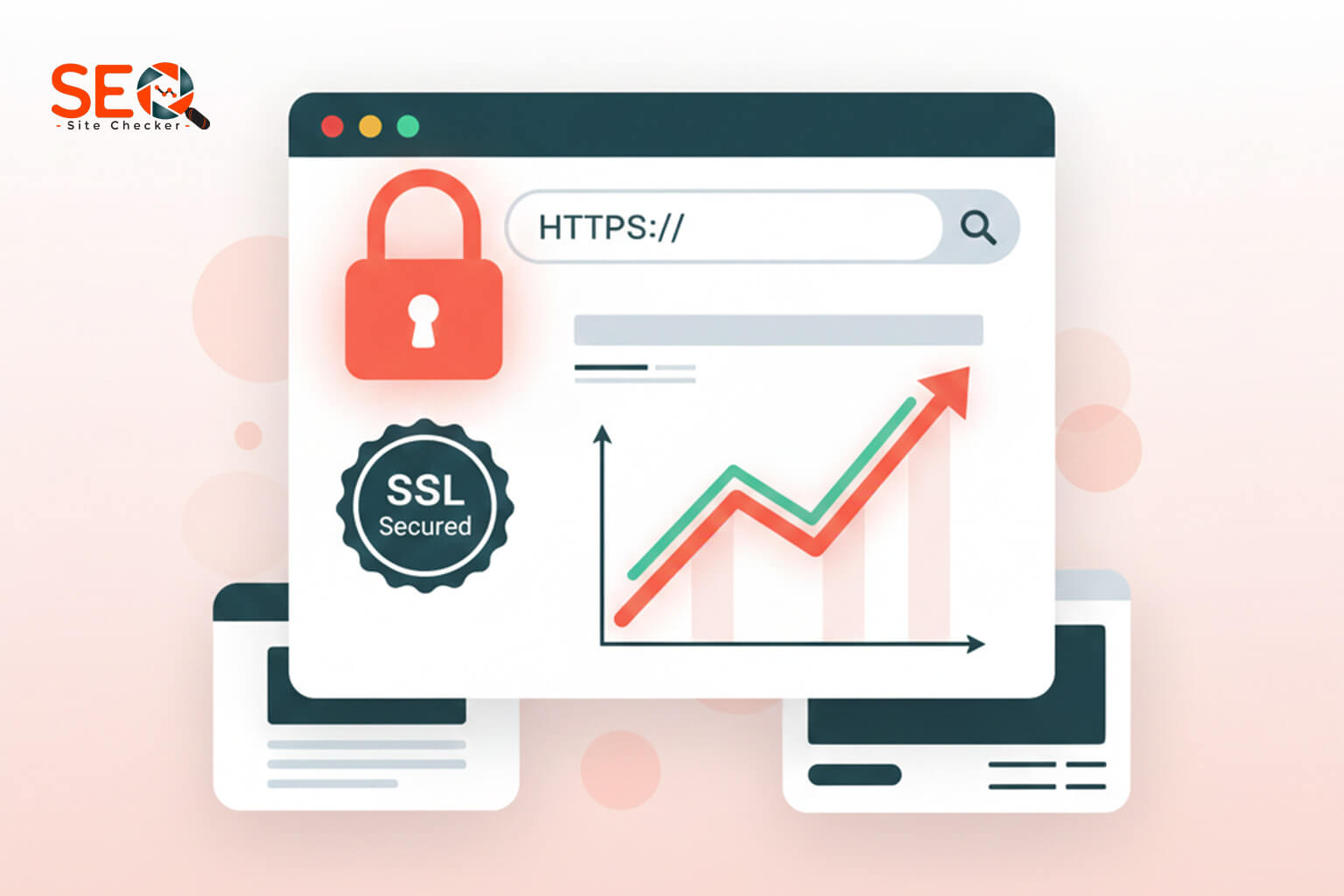
If you’ve ever wondered whether SSL certificates (HTTPS) affect Google rankings, you’re not alone. Businesses still ask if SSL is a confirmed ranking factor, how much impact it has, and why websites without HTTPS struggle in competitive search results. The truth is clear: Google has publicly stated that HTTPS is a ranking signal and in today’s SEO landscape, it’s more important than ever.
In this guide, we’ll walk through everything you need to know about SSL’s impact on rankings, how HTTPS affects Core Web Vitals, common SSL issues that quietly hurt SEO, and the complete migration checklist for switching from HTTP to HTTPS without losing rankings. We’ll also use internal SEO guides such as our Hosting Speed SEO Ranking Guide when discussing performance, hosting influence, and HTTP/2 benefits.
What Is an SSL Certificate? How It Works
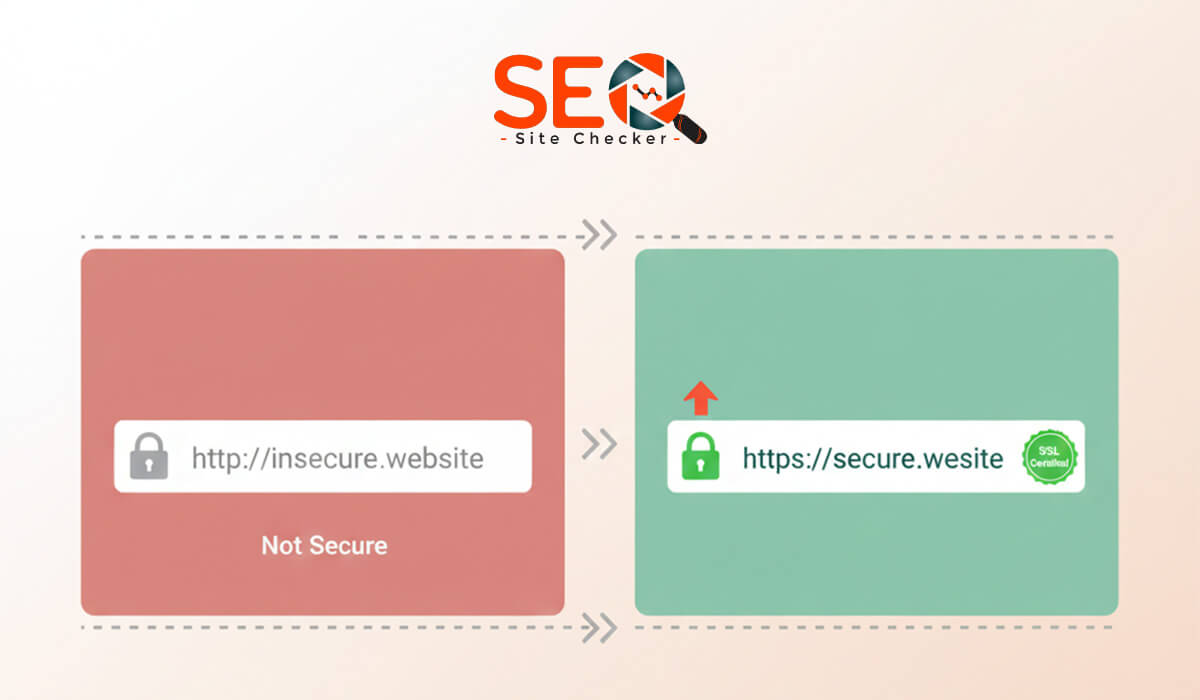
An SSL certificate is a digital certificate that encrypts the connection between a website and its visitors. Modern websites technically use TLS (Transport Layer Security), but most people still refer to it as “SSL.” When SSL/TLS is active, your URL begins with HTTPS, and browsers show a padlock icon indicating a secure connection.
SSL performs three key functions:
- Encryption: Protects user data from interception.
- Authentication: Confirms the website belongs to the claimed owner.
- Data Integrity: Prevents data from being tampered with.
There are multiple certificate types DV, OV, EV, Wildcard, and Multi-Domain. All provide encryption, but they differ in verification levels. We’ll cover their SEO impact later.
Does SSL Directly Impact SEO Rankings?
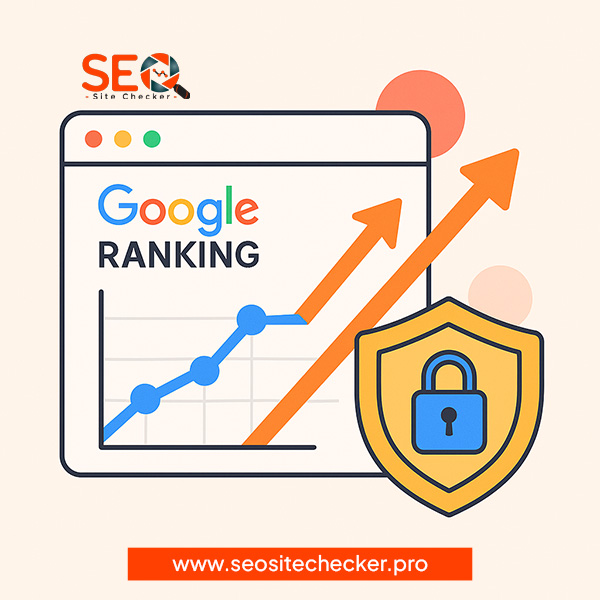
Yes, SSL (HTTPS) is a confirmed Google ranking factor. In 2014, Google officially announced HTTPS as a ranking signal, as documented in its own release (Google’s HTTPS ranking signal update).
That said, SSL is considered a lightweight ranking factor. It won’t magically push you from page 3 to page 1, but it helps in these ways:
- Acts as a tiebreaker when two pages have equal quality and authority.
- Boosts user trust, reducing bounce rate and abandonment.
- Prevents “Not Secure” warnings that harm click-through rate (CTR).
- Enables HTTP/2 and performance enhancements that indirectly increase rankings.
In competitive niches such as finance, health, SaaS, and ecommerce, not having HTTPS almost guarantees lower rankings.
Why SSL Matters for SEO (Technical Breakdown)
SSL affects SEO far beyond being a basic ranking factor. Google’s ranking systems evaluate security, trustworthiness, user experience, and performance, all of which improve with HTTPS.
SEO benefits of SSL include:
- Improved crawlability & indexation: search engines avoid insecure pages.
- Reduced bounce rate & higher dwell time: no browser warnings.
- Better user experience when loading scripts, fonts, and resources.
- Higher CTR from SERPs because users trust secure sites.
- Required for HTTP/2, which improves page speed.
If you’ve read our guide on how hosting speed affects rankings, you already know speed and stability are major ranking signals. SSL unlocks modern speed protocols, so performance improvements alone help SEO.
How SSL Affects Core Web Vitals & Page Experience
Core Web Vitals (LCP, INP, CLS) and overall Page Experience signal heavily influence modern SEO. What many site owners don’t realize is that HTTPS is required for key speed technologies.
How SSL improves CWV metrics:
- HTTP/2 & HTTP/3 only work over HTTPS: enabling parallel resource loading.
- Faster LCP (Largest Contentful Paint) because secure connections load quicker.
- Improved INP (Interaction to Next Paint) via reduced network overhead.
- Better stability because browsers block unsafe, mixed-content resources.
Chrome also highlights “Not Secure” pages, significantly hurting user experience, affecting behavioural signals like bounce rate, which indirectly affect rankings.
Types of SSL Certificates & Their SEO Impact
SEO is not affected by the SSL type (DV vs OV vs EV). Google treats all valid SSL certificates equally for ranking purposes.
However, certificate type matters for user trust and business identity:
- DV SSL: basic, automated verification; perfect for blogs & small sites.
- OV SSL: business identity validated; ideal for agencies or SaaS.
- EV SSL: extended verification; used by banks, large corporations.
- Wildcard SSL: covers domain + unlimited subdomains.
- Multi-Domain SSL: for multiple websites/domains.
- Cloud-based SSL: via Cloudflare or QUIC.cloud for speed gains.
While EV doesn’t boost SEO directly, it improves trust signals, especially for YMYL sites.
How to Check If Your SSL Certificate Is Working Properly
SSL issues are common mixed content, expired certificates, and misconfigured redirects all hurt SEO. Here’s how to quickly check SSL health:
- Ensure the padlock icon appears on all pages.
- Verify that URLs load via HTTPS only.
- Check certificate validity (expiry, issuer, chain).
- Scan for mixed content (insecure images/scripts).
- Test via online tools such as SSL checkers.
You can also use SEO Site Checker to analyze overall security, mixed-content issues, and SSL status across your site:
Check if your SSL is properly configured → SEO Site Checker
Common SSL Issues That Hurt SEO
An SSL certificate alone isn’t enough, misconfiguration can harm rankings more than not having SSL at all. Here are issues that often go unnoticed:
- Mixed content errors: insecure images or scripts.
- Expired SSL certificate: triggers security warnings.
- Incorrect 301 redirects: HTTP → HTTPS not set properly.
- Duplicate indexing: both HTTP & HTTPS versions indexed.
- Redirect chains: cause slower load time.
- Insecure CDN or subdomains.
- Self-signed SSL: not trusted by browsers.
- HSTS misconfiguration: forcing HTTPS incorrectly.
These problems severely hurt SEO by damaging crawlability, user trust, and speed.
How to Fix SSL Issues to Improve SEO
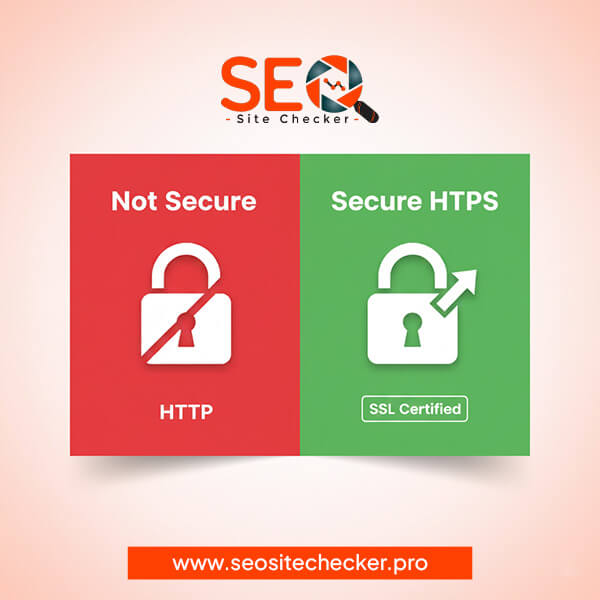
Fixing SSL problems is vital for crawling, indexing, security, and user trust. Here’s a complete step-by-step process to ensure your HTTPS configuration is perfect:
1. Install a Valid SSL Certificate
Use a trusted CA (Certificate Authority) or a host with Auto-SSL integration. Avoid self-signed certificates.
2. Enable Auto-Renew
Expired SSL certificates trigger “Not Secure” browser warnings and drastically hurt SEO.
3. Set Up 301 Redirects from HTTP → HTTPS
Every page must redirect to its secure version. Ensure there are no redirect loops or chains. Use a single, clean redirect:
http://yourdomain.com → https://yourdomain.com
4. Update Canonical URLs
Ensure all canonical tags point to HTTPS versions.
5. Update Internal Links
Hard-coded HTTP links must be updated to HTTPS to avoid mixed content and redirect chains.
6. Fix Mixed Content
Replace all insecure (HTTP) images, scripts, CSS, fonts, and iframes with secure versions. This is one of the top causes of ranking loss after migrating to HTTPS.
7. Enable HSTS
HTTP Strict Transport Security forces browsers to use HTTPS automatically. Use with caution to avoid accidental lockouts.
8. Update CDN Configuration
CDNs must be configured to serve HTTPS assets. Cloudflare, QUIC.cloud, BunnyCDN all support SSL automatically.
9. Re-submit Sitemap in Google Search Console
Your sitemap must contain only HTTPS URLs or Google may index duplicates.
How Hosting Providers Influence SSL & SEO
Your hosting environment directly affects how well HTTPS performs. Some hosts deliver instant HTTPS setup and HTTP/2 support, while others create bottlenecks that affect rankings.
Key hosting features that boost SSL performance:
- Native SSL integration (AutoSSL, Let’s Encrypt)
- HTTP/2 or HTTP/3 enabled (major speed improvements)
- Server-level caching
- CDN integration for global speed
- Optimized TLS configuration
For a full list of hosting providers optimized for SEO and SSL performance, check our guide: Best Web Hosting for SEO in 2025.
And if you're evaluating hosting environments for speed, see: Cloud Hosting vs Shared Hosting for SEO.
SSL, Security and E-E-A-T Ranking Signals
Google's E-E-A-T framework (Experience, Expertise, Authoritativeness, Trustworthiness) rewards websites that demonstrate strong safety and reliability and HTTPS contributes significantly to trust.
How SSL Improves E-E-A-T:
- Trust: Chrome marks HTTP pages as “Not Secure,” harming user confidence.
- Authority: Secure sites appear more professional and credible.
- Safety: HTTPS protects user data (important for YMYL sites like finance, health, ecommerce).
- User behaviour metrics improve because users trust secure sites more.
SSL doesn’t directly increase authority, but it is essential for building user trust — which indirectly strengthens your ranking signals.
How Google Treats Sites Without HTTPS
Running a website without HTTPS today will severely restrict its SEO potential. Google and Chrome take security seriously, and unsecured sites face multiple penalties.
Consequences of not using SSL:
- Browser warnings scare users away.
- Lower CTR due to “Not Secure” in SERPs.
- Reduced crawl frequency as Google deprioritizes insecure pages.
- Blocked permissions: geolocation, notifications, and service workers.
- Harmed reputation: especially for ecommerce and SaaS.
- Lower rankings vs competitors using HTTPS.
In short: Non-HTTPS websites are no longer competitive in modern SEO.
HTTPS Migration SEO Checklist (Full Step-by-Step)

Migrating to HTTPS requires careful handling to avoid ranking drops. Here is the complete SEO migration checklist:
- Install SSL certificate.
- Enable automatic SSL renewal.
- Force HTTPS via 301 redirects.
- Update internal links (menus, buttons, footers).
- Fix mixed content on all templates & pages.
- Update canonical URLs to HTTPS.
- Update robots.txt if needed.
- Update CDN + caching configuration.
- Update Open Graph tags (og:url) to HTTPS.
- Update hreflang tags (if multilingual).
- Update sitemap.xml with HTTPS URLs only.
- Re-submit sitemap to Google Search Console.
- Change default URL in CMS (WordPress General Settings).
- Ensure no duplicate indexing (HTTP + HTTPS).
- Run a fresh crawl via SEO tools.
- Test performance improvements via HTTP/2 or HTTP/3.
- Monitor Search Console for 404, redirect errors, and coverage issues.
For related insights on server performance and HTTPS, read: How Hosting Speed Affects Google Rankings.

SSL vs SEO Misconceptions
There are many myths about SSL and rankings. Let’s clarify the most common ones:
- Myth: “Installing SSL alone boosts rankings instantly”.
Fact: It’s a tie-breaker, not a magic ranking booster. - Myth: “EV SSL certificates rank higher than DV”.
Fact: Google treats all SSL types equally. - Myth: “SSL slows down websites”.
Fact: HTTPS enables HTTP/2 and HTTP/3, making sites faster. - Myth: “Free SSL is bad for SEO”.
Fact: Free SSL is perfectly fine as long as it’s valid and not expired.
Conclusion
SSL certificates are no longer optional, they’re essential for SEO, rankings, user trust, and performance. While HTTPS is considered a lightweight ranking factor, its indirect SEO benefits (better CTR, lower bounce rate, faster speeds, E-E-A-T trust signals) make it impossible to ignore.
If your website still uses HTTP, migrating to HTTPS should be your top priority. Use the migration checklist above and validate your SSL configuration using the tools available on:
SEO Site Checker
And for further reading, explore related topics:
Frequently Asked Questions
Frequently Asked Questions (FAQs) is a list of common questions and answers provided to quickly address common concerns or inquiries.
Does SSL improve SEO rankings?
Yes. SSL is an official Google ranking signal and improves trust, CTR and speed, all important for SEO.
How much does HTTPS affect Google ranking?
It’s a lightweight factor but can act as a tie-breaker between similar pages, especially in competitive niches.
Is SSL necessary for SEO?
Yes. Sites without HTTPS receive browser warnings and often rank lower than secure competitors.
Does Google penalize sites without HTTPS?
While not a direct penalty, insecure sites suffer lower rankings, reduced crawl frequency, and poor CTR.
Why does Google prefer HTTPS websites?
HTTPS ensures safer browsing, protects user data, and improves user experience.
Does SSL improve site speed?
SSL enables HTTP/2 and HTTP/3, which significantly improve loading speed.
Can SSL certificates affect Core Web Vitals?
Yes. Secure connections load faster, improving LCP and INP scores.
Do all SSL types affect ranking the same?
Yes. Google does not give preference to EV or OV certificates.
Does switching to HTTPS cause ranking drops?
Only if migration is done incorrectly (e.g., duplicate URLs, mixed content, broken redirects).
How long does SEO improve after adding SSL?
Most sites see improvements within a few days to a few weeks once Google re-crawls HTTPS URLs.