How to Use an Online HTML Viewer (Step-by-Step Guide)
 James Okafor
Feb 24 /
7 months ago
James Okafor
Feb 24 /
7 months ago

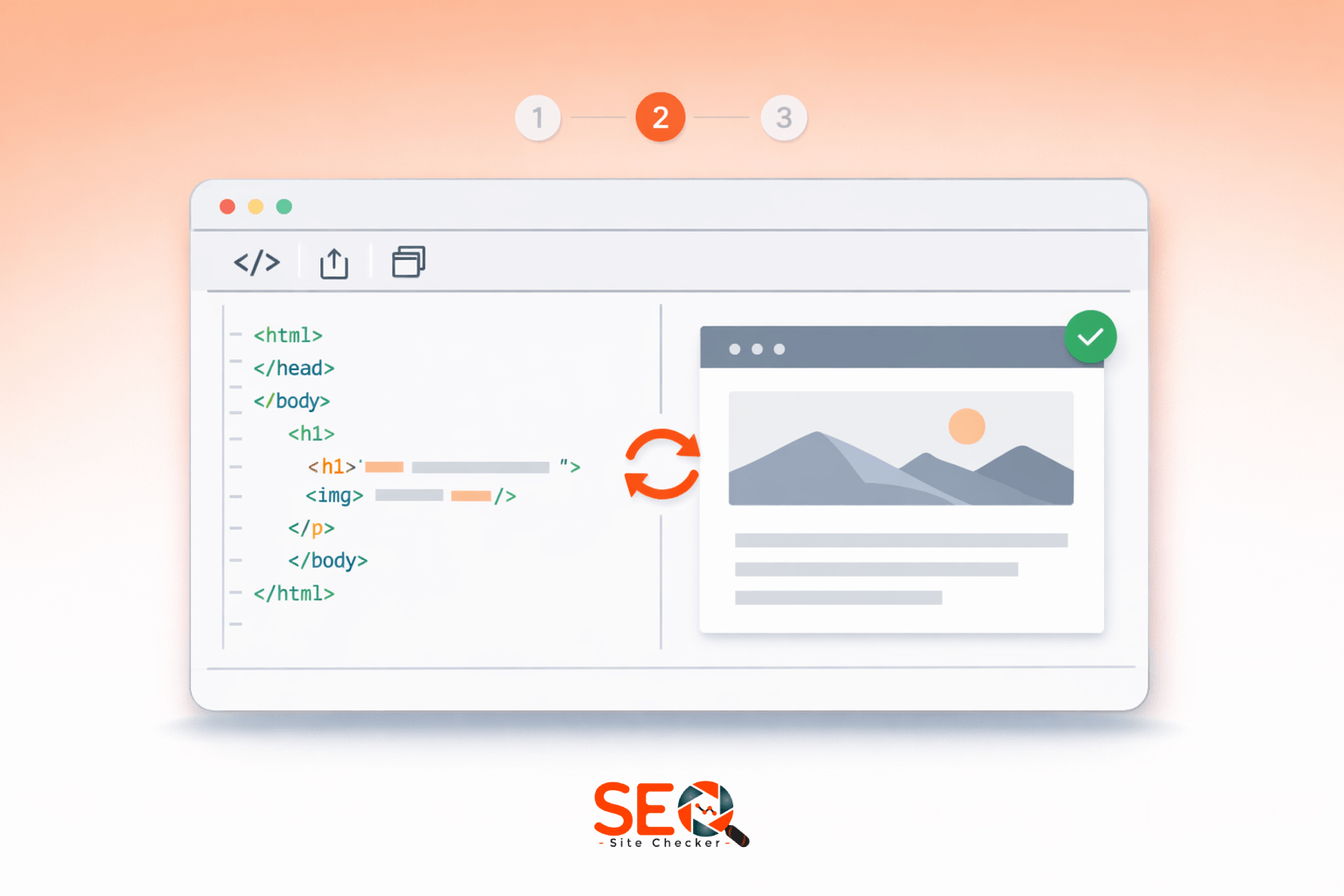
If you've ever copied a piece of HTML code and wondered, “How do I quickly see what this looks like?” an HTML viewer online is exactly what you need.
Whether you're a developer testing snippets, a student learning HTML basics, or a marketer previewing a landing page layout, an online HTML viewer lets you instantly render and inspect HTML without installing any software.
In this complete guide, you'll learn:
- What an HTML viewer online is
- How to use it step by step
- When to use it instead of an editor
- SEO benefits of previewing HTML
- Security considerations
- Common mistakes to avoid
Let's start with the basics.
What Is an HTML Viewer Online?
An HTML viewer online is a browser-based tool that allows you to paste, upload or enter HTML code and instantly see the rendered output.
Instead of:
-
Saving a
.htmlfile - Opening it locally
- Refreshing repeatedly
You can simply:
- Enter or paste HTML
- Click Run / View
- Instantly see the result
If you want to try it right now, you can use our online HTML viewer tool
It works directly in your browser, no downloads required.

Why Use an Online HTML Viewer Instead of Local Editors?
You might be wondering: Why not just use VS Code or another IDE?
Here's why many users prefer online HTML viewers:
1. No Installation Required
You don't need software. Just open a browser.
2. Works on Any Device
Laptop, tablet, or even mobile.
3. Instant Testing
Quickly test snippets without creating files.
4. File Upload Support
Upload an existing .html file and preview instantly.
5. Beginner-Friendly
Perfect for students learning HTML basics.
For more similar utilities, explore our collection of website management tools
Key Features of a Good HTML Viewer Online
Not all tools are equal. A quality HTML viewer should offer:
✔ Live Preview Rendering
Instant display of HTML output after clicking “Run”.
✔ Syntax Highlighting
Color-coded code makes reading easier.
✔ File Upload Option
Upload .html files directly.
✔ Secure Processing
HTTPS encryption and safe rendering.
✔ Clean Interface
No clutter. Focus on code and preview.
✔ Fast Rendering Engine
Minimal delay between input and output.
When selecting a tool, prioritize speed, simplicity, and privacy.
How to Use an Online HTML Viewer (Step-by-Step Guide)
Here's the exact process:
Step 1: Enter or Paste HTML Code
Open the online HTML viewer tool
You'll see a large input box.
Now:
- Copy your HTML code
- Paste it into the input field
Example:
<!DOCTYPE html>
<html>
<head>
<title>Test Page</title>
</head>
<body>
<h1>Hello World</h1>
<p>This is a test page.</p>
</body>
</html>
Step 2: Upload an HTML File (Optional)
If you already have a file:
- Click Upload
-
Select your
.htmlfile - The tool will automatically load the code
This is useful for:
- Landing page previews
- Email template checks
- Website template testing
Step 3: Click “Run” or “View”
After entering or uploading your HTML:
- Click the Run or View button
- The tool processes your code
Within seconds, it renders the output.
Step 4: View the Result
You'll see:
- Fully rendered webpage output
- Styling applied (if CSS included)
- Layout exactly as a browser would display
You can scroll, inspect, and verify visual accuracy.
Step 5: Edit & Re-run
Need changes?
- Modify your HTML
- Click Run again
This instant feedback loop makes learning and debugging much faster.
Common Use Cases of an HTML Viewer Online
An HTML viewer is more versatile than many realize.

For Web Developers
- Testing snippets
- Debugging layouts
- Checking structure
For Students
- Learning HTML basics
- Visualizing tags
- Practicing exercises
For Email Marketing
- Previewing HTML email templates
- Checking formatting issues
For SEO Professionals
- Inspecting meta tags
- Checking canonical placement
- Verifying header structure
If you're working on SEO optimization, combine HTML previewing with our SEO tools platform
HTML Viewer vs HTML Editor: What's the Difference?
Many people confuse these tools.
HTML Viewer
- Renders output
- Simple interface
- Fast testing
HTML Editor
- Full coding environment
- Advanced debugging
- Extensions/plugins
Use an HTML viewer when:
- You need quick preview
- You're testing small snippets
- You don't need advanced development features
Use an editor when:
- Building full applications
- Writing large projects
- Using JavaScript frameworks
HTML Viewer vs Browser Preview
You can right-click → “Open with Browser” locally. So why use an online viewer?
Differences:
- No need to save files
- Easier snippet testing
- Upload feature
- Portable access from any device
Browser preview is local. Online viewers are universal and convenient.
Is It Safe to Use an Online HTML Viewer?
Safety is a common concern.
Generally, HTML viewers are safe if:
- The website uses HTTPS
- It doesn't permanently store your code
- It doesn't execute harmful server-side scripts
Avoid uploading:
- Sensitive login pages
- Private API keys
- Proprietary code
For official guidance on HTML and web standards, you can review HTML fundamentals explained by MDN And for official specifications: official HTML standards documentation.
Advanced Tips for Using HTML Viewer Efficiently
Here are pro tips:

✔ Test Responsive Behavior
Resize your browser window to simulate mobile view.
✔ Check Meta Tags
Ensure correct:
-
<title> -
<meta description> -
<meta viewport>
✔ Inspect Header Hierarchy
Verify:
- One H1 tag
- Proper H2-H6 structure
✔ Validate Basic Structure
Look for:
-
Proper
<html>structure - Closed tags
- Logical nesting
✔ Combine With SEO Audits
After previewing HTML, run a full technical check using an SEO tools platform
Common Errors You Can Detect with an HTML Viewer
Using a viewer helps you identify:
- Missing closing tags
- Incorrect nesting
- Broken image paths
- CSS display issues
- Script placement errors
Visual preview instantly highlights layout problems.
Benefits of Using HTML Viewer for SEO

HTML viewers aren't just for developers.
They help SEO professionals:
1. Preview Meta Titles & Descriptions
Ensure proper display.
2. Check Canonical Tags
Avoid duplicate content issues.
3. Verify Structured Data Placement
Make sure schema scripts are inside <head> or <body> correctly.
4. Inspect Heading Structure
Proper hierarchy improves SEO clarity.
Combined with structured analysis from website management tools you can ensure optimized page setup.
Final Thoughts
An HTML viewer online is one of the simplest yet most powerful tools for developers, students, and marketers.
It allows you to:
- Instantly preview HTML
- Test layouts
- Debug structure
- Improve SEO setup
- Learn faster
Instead of saving files repeatedly or installing software, you can simply:
- Enter or paste HTML
- Upload file (optional)
- Click Run / View
- Instantly see results
Simple. Fast. Effective.
If you frequently work with HTML, keeping an online viewer bookmarked can save hours of time and reduce development friction.
Frequently Asked Questions
Frequently Asked Questions (FAQs) is a list of common questions and answers provided to quickly address common concerns or inquiries.
What is an HTML viewer online?
An HTML viewer online is a web-based tool that allows you to paste or upload HTML code and instantly see the rendered output in your browser.
How do I view HTML code in my browser?
You can right-click and select “View Page Source”, but to render custom HTML snippets instantly, use an online HTML viewer.
Can I edit HTML in an online viewer?
Yes. Most tools allow you to edit the code and click “Run” again to see updated results.
Is an online HTML viewer free?
Most online HTML viewers are free and require no registration.
How do I upload an HTML file to view it?
Click the upload option, select your .html file, and the tool will load and render it automatically.
Can I run CSS and JavaScript in an HTML viewer?
Most viewers support inline CSS and basic JavaScript. However, advanced scripts may have restrictions.
What is the difference between HTML viewer and validator?
An HTML viewer renders output visually.
A validator checks for coding errors against HTML standards.
A validator checks for coding errors against HTML standards.
Does an HTML viewer save my code?
Most reputable tools do not permanently store your code. Always review privacy policies before uploading sensitive files.
Is it safe to upload files to an online HTML viewer?
Yes, if the site uses HTTPS and does not store files long-term. Avoid uploading confidential data.
Which is the best online HTML viewer?
The best tool should be: Fast, Secure, Easy to use, Support file uploads and Provide instant preview.
You can try our reliable online HTML viewer tool for quick and secure testing.
You can try our reliable online HTML viewer tool for quick and secure testing.