Best Free SEO Audit Tools: What Each One Covers and Where It Stops
 Kendall Chris
Updated

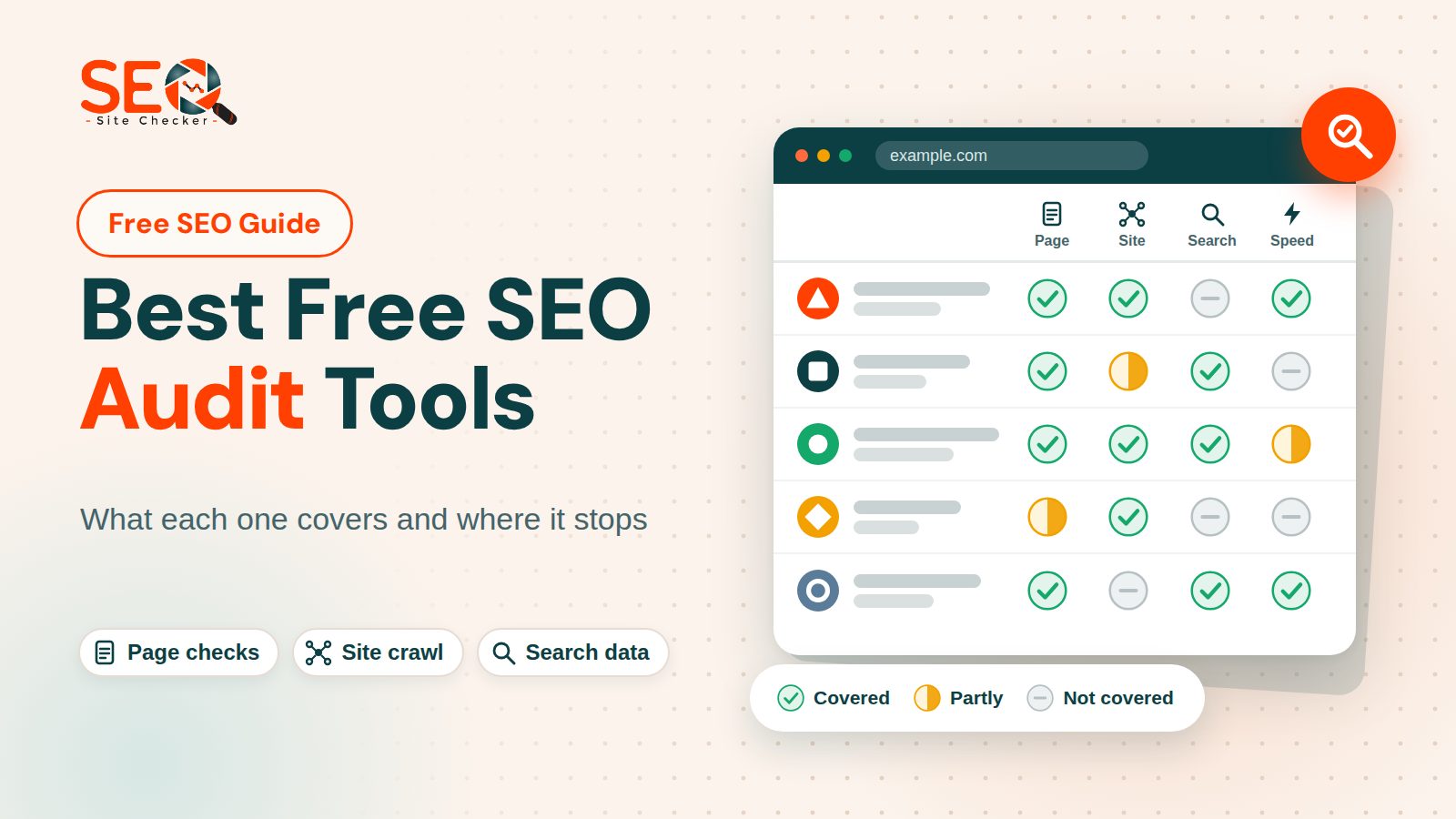
Best Free SEO Audit Tools: The Short Answer
Quick answer: The best free SEO audit tools do three different jobs, so no single one covers everything. A page checker audits one address you paste in, owned or not. An owner tool such as Google Search Console shows what a search engine sees on a site you have verified. A crawler lists issues across many pages.
Most people end up using one of each, so here is which fits which job.
- A quick score for any public page, with no account: the free website SEO checker on this site, which is our own tool.
- Google's own data about a site you own: Google Search Console.
- An issue list across a whole site: Ahrefs Webmaster Tools, Bing Webmaster Tools Site Scan or the free version of the Screaming Frog SEO Spider, which stops at 500 URLs.
- Speed and real user data for one URL: Google PageSpeed Insights.
This page covers seven tools, and SEO Site Checker is one of them, so we have a stake in how it reads. It gets the same five questions as the rest, and no tool paid for a place here. We ran only our own checker end to end for this page. For the other six, every limit and feature we state comes from their makers' own pages, read on November 1, 2026, and the few judgments we add are labeled as ours. Free limits change without notice, so confirm any number on the tool's own page before you plan around it.
How We Compared Them
Five questions sort free search engine optimization audit tools better than any score does. We asked the same five of every tool, in this order.
- What does it audit: one page, a crawl of many pages, or a search engine's own data?
- What must you give it: a URL, an account, proof that you own the site, or an install?
- What limit does the free version state, as a number and not an adjective?
- Does the report explain how to fix each issue?
- Which data does it use: its own crawl, a lab test or real user data?
Every limit comes from the tool's own pages, and every one carries a date. Where those pages do not answer one of the five questions, the entry stays silent instead of guessing. Tools whose free access is only a time limited trial, or whose free limits we could not confirm on their own pages, are left out, and we do not name them.
You will find no star ratings and no ranking by score here, because we have no data behind such numbers. Inside each group the order follows what a reader needs first, not merit. The phrase best free SEO audit tools in the title means each tool fits a stated job on those five questions; no tool is declared best overall. This page links to no vendor sites, and its three outside links go to Google documentation.
Free SEO Audit Tools at a Glance
Exact numbers, sources and dates sit in the entries after the table.
| Tool | Audits | You need | Free limit | Use it when |
|---|---|---|---|---|
| SEO Site Checker (ours) | One page: more than 60 checks plus an AI readiness score | A page address; a bare domain works | No sign-up to run it; a free account adds saved reports and PDF | You want a quick score for any public page |
| Semrush free SEO Checker | One domain or URL: score, issues, speed and mobile findings | A domain or URL | One check per day; the free plan lists 10 reports per day | You want a second opinion on one page |
| PageSpeed Insights and Lighthouse | One URL: lab audits in four categories plus real user data | A URL; Lighthouse also runs in Chrome DevTools | Google's documentation states no usage limit for the web tool | You care about speed and Core Web Vitals |
| Google Search Console | How Google crawls, indexes and shows a site you own | Verified ownership of the site | Google calls it a free service; example lists stop at 1,000 rows | You own the site, before any other tool |
| Ahrefs Webmaster Tools | A crawl of a verified site for 170+ technical and on-page issues | A free account and verified ownership | 5,000 pages a month per verified project | You want a whole site issue list with explanations |
| Bing Webmaster Tools Site Scan | A crawl of a verified site; issues sorted as errors, warnings and notices | A Bing Webmaster Tools account and a verified site | A monthly quota Bing sets per site; you choose the page limit | You want a second crawler's view, or Bing traffic matters |
| Screaming Frog SEO Spider | A desktop crawl for over 300 issues, by the vendor's count | An install on Windows, Mac or Linux; no sign-up or email | 500 URLs per crawl; saving crawls and JavaScript rendering are restricted | You want a technical crawl of a small site |
Where a cell says the documentation states no limit, the vendor names none, which is not the same as having none.
Free SEO Audit Tools You Run by Pasting a URL
A page checker audits one public page at a time, so it works on a client's page or a competitor's as well as your own. It cannot see how Googlebot indexed the site or problems that only appear across many pages. Three entries follow, each a free website audit tool: our own checker, the Semrush checker, and PageSpeed Insights with Lighthouse. For an on-page SEO audit of titles, headings and meta descriptions, see our guide to on-page SEO checkers for small businesses.
SEO Site Checker (Our Own Tool)
This is our own tool, so read the entry with that in mind. It audits one page: you paste an address into the field labeled Enter a Website URL, press Generate Report and wait. A bare domain such as example.com works.
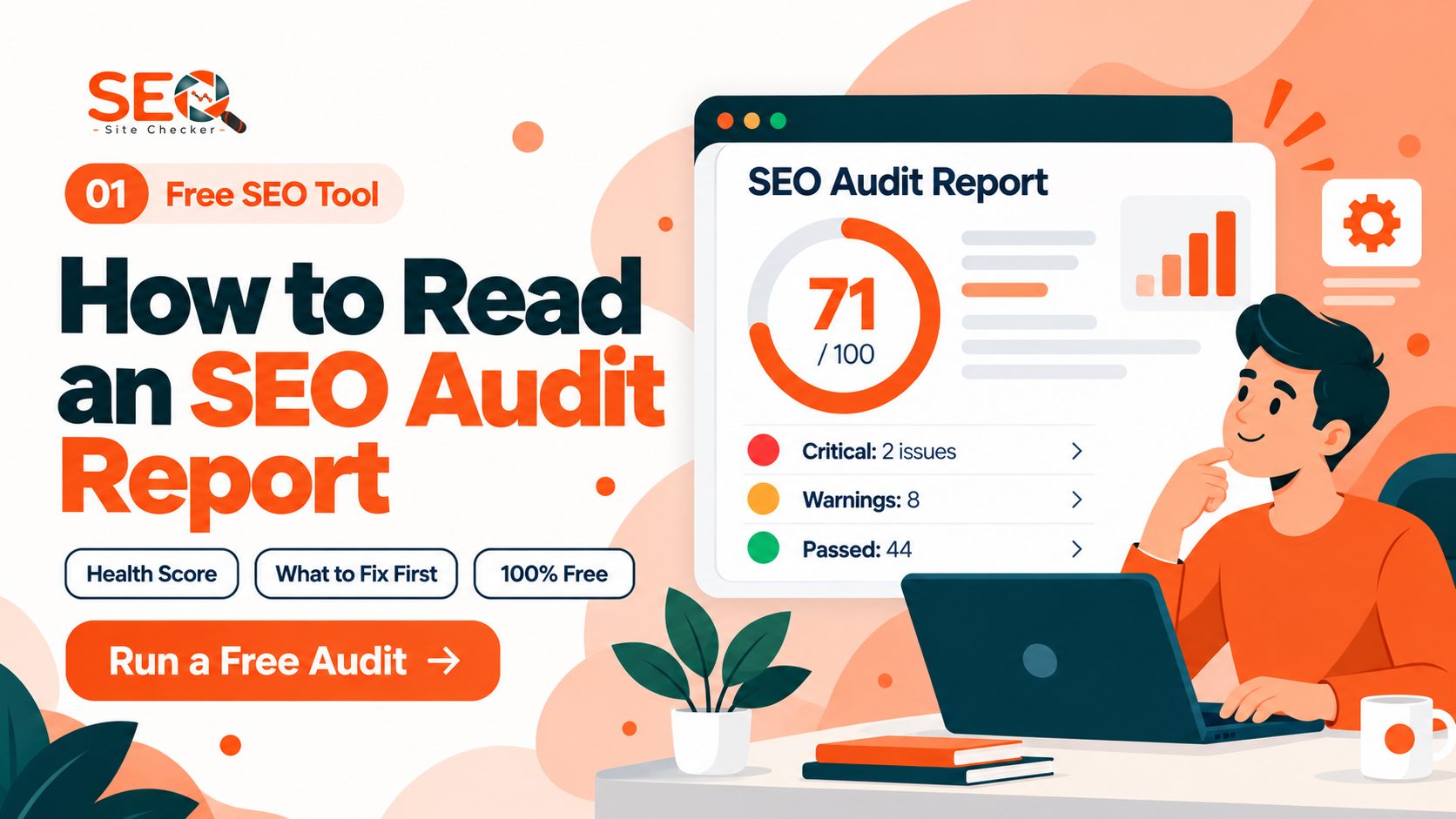
The report for example.com, generated on October 31, 2026, had 68 checks: 46 passed, 4 warned and 18 failed. They sit in four sections, Seo, Speed optimizations, Server and Security and Advance, and cover the title tag, meta description, heading structure, canonical tag, robots.txt, image alt text, structured data and HTTPS. A separate AI Search Readiness block with ten weighted checks, among them AI crawler access, llms.txt and JSON-LD, gave that page 44 out of 100. The headline SEO score is passed checks divided by total checks, so 46 of 68 is 67.65, which the audit report shows as 68.
Running a scan needs no sign-up, and a guest can read every check result with its explanation. A free account opens the detail lists inside many checks and lets you save the report and download it as a PDF. On the example.com report, guests see the register-or-log-in request 16 times.
- It audits one page per scan, not a crawl, so duplicate titles and duplicate content across pages go unseen. It has no backlink data, rankings or traffic numbers either.
- Speed numbers come from one lab run in headless Chromium: Largest Contentful Paint, Cumulative Layout Shift, First Contentful Paint and Total Blocking Time. There is no INP and no field data, so it covers Core Web Vitals only partly.
- A new scan replaces the stored report, so there is no history.
- The noindex check reads the robots meta tags of the rendered page and the X-Robots-Tag header of the page's own response, but it does not test whether robots.txt blocks the page.
- When a firewall serves a challenge page instead of your site, the report shows a banner saying the score does not describe the real page.
One more fact before you paste an address: reports are public by address. Anyone with the link to a report can open it, although an unpublished one is served with a noindex header. Audit pages you are comfortable having viewable.
A walkthrough of a real report and real reports of other sites show the output. Use this one when you want a fast score for any public page, with an explanation for each check.
Semrush Free SEO Checker
Semrush says its free SEO Checker allows one check per day and takes a domain or URL, returning an overall SEO health score, technical and on-page issues, page speed and mobile findings, and prioritized recommendations. Its page lists what the scan looks at: on-page elements, off-page signals such as backlinks and referring domains, technical checks, Core Web Vitals, mobile friendliness and loading speed, and social visibility.
Semrush describes the checker as a quick snapshot and says that crawling a whole site is the job of its separate Site Audit tool. On Semrush's plans page, read on November 1, 2026, the free plan lists 1 demo project and 10 reports per day across its main tools. A Semrush blog post dated December 10, 2025 puts Site Audit at 100 pages on the free plan and says that plan crawls at most 100 URLs a month. Use it when you want a second opinion on one page, and remember that it reflects Semrush's own check list.
PageSpeed Insights and Lighthouse
Google's documentation, read on November 1, 2026, describes PageSpeed Insights as a report on the experience of one page, on mobile and desktop, with suggestions for improving it. Field data comes from the Chrome User Experience Report over the previous 28 days and covers First Contentful Paint, Interaction to Next Paint, Largest Contentful Paint and Cumulative Layout Shift, plus an experimental Time to First Byte. With too little data for the page, Google falls back to the whole origin, and then to nothing at all.
Lab data comes from Lighthouse in a simulated environment, which scores four categories: Performance, Accessibility, Best Practices and SEO. For mobile, Google says it simulates a mid-tier Moto G4 phone on a mobile network; for desktop, an emulated desktop on a wired connection, from a data center in North America, Europe or Asia. Google also warns that lab and field data can disagree, and that lab data may miss real world bottlenecks.
Lighthouse is the open source engine underneath. You can run it in Chrome DevTools, from the command line, as a Node module or through PageSpeed Insights, and DevTools can audit a page that sits behind a login. It reads one URL at a time, and by our reading its SEO category is a short list of basics, so a Lighthouse score does not replace a crawl. Google's About page for the web tool states no usage limit. Use it for speed, Core Web Vitals and what real users experienced.
Free SEO Audit Tools for a Site You Own
These tools go deeper because they use a search engine's own data or crawl many pages. The cost of that depth is a first step: proving you own the site through site verification, as Search Console, Ahrefs and Bing ask, or installing a program, as Screaming Frog does. That is why most of them cannot audit a page you do not own; an installed crawler is the exception. Four entries follow, each a free site audit tool.
Google Search Console
As of November 1, 2026, Google describes Search Console as a tool that shows how Google crawls, indexes and serves a site. The word free comes from Google's help page for it, which calls Search Console a free service. You need not sign in daily, because Google emails you about new issues, and it suggests a look about once a month.
It needs verified ownership of the site. Google's help page says a verified owner has the highest permissions, and if you cannot verify, a current owner can grant you access. These are the reports that matter for an audit.
- Page indexing, which the Search Central page still calls Index Coverage: indexed and non-indexed pages with reasons, and example lists capped at 1,000 rows.
- URL Inspection: the current index status of a single page, with a live test and a way to ask Google to crawl it.
- Sitemaps: where you submit an XML sitemap, which Google says may speed up the discovery of your pages.
- Search performance: clicks, impressions, CTR and average position, shown for the past three months by default.
- Core Web Vitals: real user data for Largest Contentful Paint, Interaction to Next Paint and Cumulative Layout Shift, for a sample of indexed URLs. A new property can show No data available.
- Rich result status, Manual Actions and Security Issues.
Going by the reports Google lists, none of them grades titles, headings or image text, and it audits only a site you have verified. Google's help page adds that it shows which sites link to your website, and we stop at that sentence. Open it before any other tool, because an indexing problem can make a page checker score beside the point. Use it first, on any site you own.
Ahrefs Webmaster Tools (Now Ahrefs Free)
Ahrefs says on its own pages, read on November 1, 2026, that Ahrefs Webmaster Tools is now Ahrefs Free. Ahrefs Site Audit checks a verified site against 170+ technical and on-page issues, shows a Health Score, explains each issue with the URLs it affects, and can run scheduled audits with email alerts.
It needs a free account and verified ownership. Ahrefs puts no cap on the number of sites you verify, and it ties the free access to verified sites, so you cannot point it at a competitor. The limits, as Ahrefs states them:
- 5,000 pages crawled per verified project each month. This crawl allowance counts only HTML pages that answer with a 200 status; redirects, broken URLs and non-HTML files do not use it.
- In Site Explorer you see at most 1,000 backlinks and 1,000 keywords at a time.
- It works on your own verified sites only.
Use it when you want an issue list with explanations for a whole site you own.
Bing Webmaster Tools Site Scan
Bing's help page, read on November 1, 2026, describes Site Scan as an on-demand audit that crawls your site and checks common technical SEO issues. You pick a scope (a website, a sitemap or a list of URLs) and set the maximum number of pages. Advanced settings include Max Scan Depth, crawl speed, URL parameters to ignore and an option to ignore robots.txt.
The limit is a monthly scan quota. Bing calculates it for each site automatically from signals it has, says it does not support requests to increase it, and shows your remaining quota inside the tool.
You need a Bing Webmaster Tools account with the site added and verified. Bing's getting started checklist says to verify that you own the site, though the Site Scan page itself does not repeat that. Starting, stopping or deleting a scan is limited to Administrator and Read-Modify users, and the crawler identifies itself as Bingbot. The report lists errors, warnings and notices with the pages affected, and you can download that list as a CSV file.
Treat it as a second crawl and Bing's own view of the site, not a replacement for Google Search Console. Use it for a second opinion from a different crawler, or when Bing traffic matters.
Screaming Frog SEO Spider (Free Version)
As of November 1, 2026, Screaming Frog says its SEO Spider crawls a website and audits it for over 300 SEO issues. You download it for Windows, Mac or Linux, which makes it a desktop crawler, and the free version needs no sign-up or email address. The limits, in the vendor's words:
- The free version is restricted to 500 URLs in a single crawl.
- Configuration options and saved crawls are limited, and so are JavaScript rendering, custom extraction and API connections.
In practice, a site under 500 URLs can be crawled whole, while a bigger site gets a partial crawl, so crawl one section at a time. Once the crawl finishes, our technical SEO checklist tells you what to read in it: status codes, titles, canonicals and redirect chains. Of the seven tools here, this one asks for the most setup, which is our editorial judgment and not the vendor's claim: you install a program and choose the crawl settings yourself. Use it when you want a technical SEO audit of a small site.
What Free SEO Audit Tools Cannot Tell You
A free audit is a starting point for your search work, not a verdict, and these are the reasons.
- The same page gets different scores. Different tools check different lists, and even one tool moves when a check depends on timing: on our own checker, eleven runs of the same page on one day gave three scores, 79.71, 81.16 and 82.61, because Total Blocking Time and a caching row flip between runs. Our post on why the same page gets different scores shows the arithmetic.
- A score is not a ranking prediction. Google's SEO Starter Guide says there are no secrets that automatically put a site first, so treat a score as a to-do list and not a forecast.
- Free limits cap what you see: 500 URLs per crawl in Screaming Frog, 5,000 pages a month in Ahrefs and a quota that Bing sets. A bigger site gets a sample, and lab and field data can disagree.
- A tool cannot judge what it was not shown. A firewall challenge page gets graded as if it were your site, which is why our checker shows a banner when it detects one, and a page behind a login is invisible to a URL checker. Lighthouse in Chrome DevTools is the exception.
If you are weighing when free tools stop being enough, our page on free versus paid SEO tools covers that question.
Which Free SEO Audit Tool to Use for Which Job
- If you own one small site and have an hour, open Search Console first, run a page checker on the home page and two money pages, and run PageSpeed Insights on the slowest page.
- If you do not own the page, such as a client prospect or a competitor, use a page checker, PageSpeed Insights or Screaming Frog, because Search Console, Ahrefs and Bing need proof of ownership.
- If your site has more than 500 URLs, use Ahrefs Webmaster Tools at 5,000 pages a month or Bing Site Scan, and crawl one section at a time.
- If you are technical and want a local crawl, install the free version of Screaming Frog.
- If you care about Bing traffic, add the site to Bing Webmaster Tools and run Site Scan.
A page checker, Search Console and PageSpeed Insights make a workable free stack for a small site. That is our editorial judgment and not a rule. It leaves out keyword and backlink tools on purpose, and those live in our broader list of free SEO tools for small businesses.
A Free SEO Audit Workflow, Step by Step
- Run a page checker on the home page and two or three pages that carry traffic, and write down the score and the number of passed, warning and failed checks.
- Open Search Console and read the Page indexing report and the Search performance report.
- Run PageSpeed Insights on your two slowest pages.
- Crawl once with Ahrefs, Bing Site Scan or Screaming Frog to find site-wide issues such as duplicate titles.
- Fix blockers first, and fix what you find in the right order.
- Run the same checker again and compare check by check, not number to number.
The longer version of this process is our guide to a full website SEO audit. Our recommendation on timing: a full audit about twice a year, a lighter technical check each month, and a fresh audit after a redesign or a CMS migration.
Frequently Asked Questions
Frequently Asked Questions (FAQs) is a list of common questions and answers provided to quickly address common concerns or inquiries.
What is the best free SEO audit tool?
There is no single winner among the best free SEO audit tools, because they audit different things. For a site you own, start with Google Search Console. For a quick score of any public page, use a page checker. For an issue list across many pages, pick Ahrefs Webmaster Tools, Bing Site Scan or the free version of Screaming Frog.
Are free SEO audit tools good enough?
For a small site, yes, because they find the fixable basics such as missing titles, broken links and slow pages. The limits that matter are 500 URLs per crawl, 5,000 pages a month, a monthly quota set by Bing, and no history in our page checker. They do not predict rankings. That verdict is our editorial judgment.
Is there a free SEO audit tool with no sign-up?
Yes, a few. Our checker runs a scan with no sign-up, and a free account adds detail lists, saved reports and PDF downloads. Google's steps for PageSpeed Insights are to enter a URL and click Analyze, and Screaming Frog says its free version needs no sign-up or email. Search Console, Ahrefs and Bing need an account and a verified site.
Is Google Search Console enough for an SEO audit?
No, but it is the right first source for a site you own. Page indexing and URL Inspection show how Google crawls and indexes your pages, and the Search performance and Core Web Vitals reports add traffic and field data. The reports Google lists do not grade titles, headings or image text, and it cannot audit a site you do not own, so pair it with a page checker.
Can I run a full SEO audit with only free tools?
For a small site, yes. The workflow above uses only free tools plus our full audit guide. The honest limits are that backlink and keyword data show only in part, since Ahrefs shows up to 1,000 backlinks and 1,000 keywords at once, and that a big site gets a sample crawl instead of a complete one.
How often should I run an SEO audit?
Our recommendation is a full audit about twice a year, a lighter technical check each month, and a fresh run after a redesign, a CMS migration or a large content change. Google tells Search Console users they need not sign in daily because it emails them about new issues, and it suggests checking about once a month.
Do free SEO audit tools check Core Web Vitals?
Some do, in different ways. PageSpeed Insights shows real user data for Largest Contentful Paint, Interaction to Next Paint and Cumulative Layout Shift when enough exists, plus lab data. The Search Console report uses real user data for indexed URLs. Lighthouse gives lab data. Our checker measures lab LCP, CLS, FCP and TBT, with no INP and no field data, so it covers them partly.
Why do two SEO audit tools give different scores for the same page?
Each tool runs its own list of checks with its own weights, and some checks depend on timing. On our own checker, eleven runs of one page in a single day gave three scores, 79.71, 81.16 and 82.61, because Total Blocking Time and a caching row flipped between runs. Compare check by check and treat a score as a to-do list.